To learn how2VIM, you need practice, time, patience, and other things no one has.
But: if you only use the VIM when git makes you solve a merge conflict or if you forgot the -m after your git commit and just entering this thing makes you uneasy, fear not.
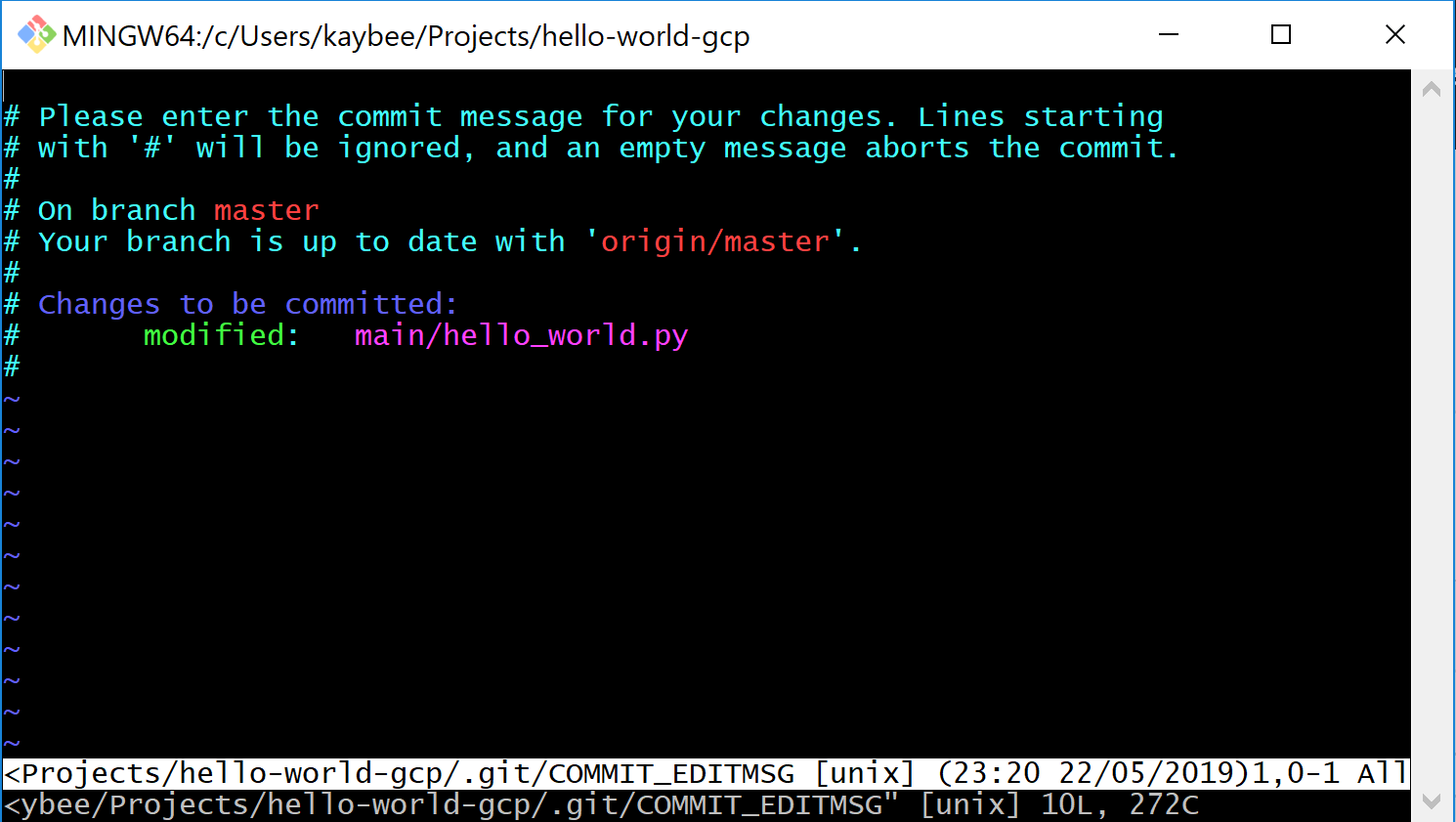
This is all you need to know about the VIM:
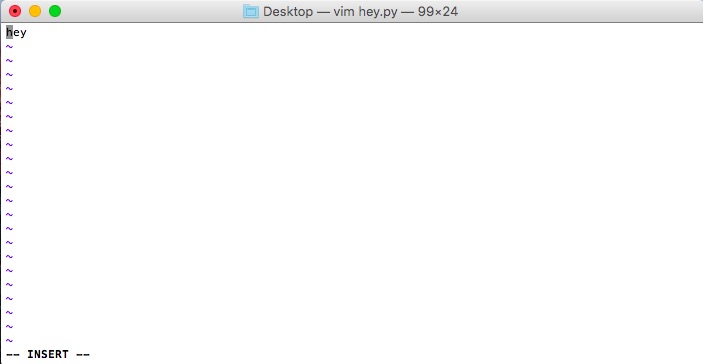
ifor insert mode (no, don’t hit enter after)escfor exiting (or escaping, and escaping fast) insert mode- if you write stuff and want to save your changes, watch the screen and type
:w!(if you don’t see it typing, you might need to hit esc) - if you write stuff and don’t care about your changes,
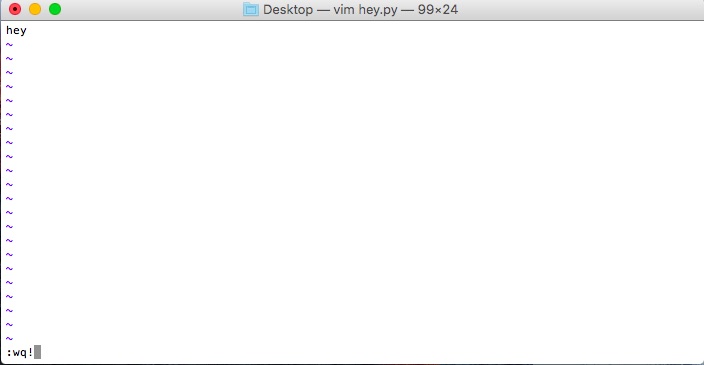
:q!for quit - if you want to write and quit in a single step,
:wq!
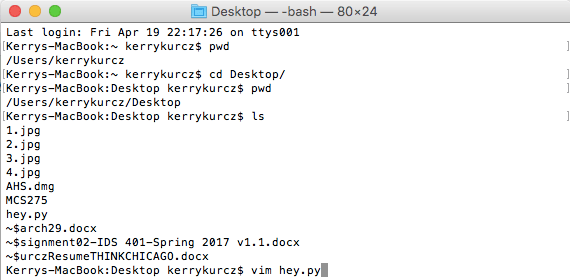
If you really want to learn your way around, here’s an extensive VIM tutorial.

 how2py
One thought on “How to use the VIM (in 2 Minutes)”